
Professional Plan
25$ / month
View plan 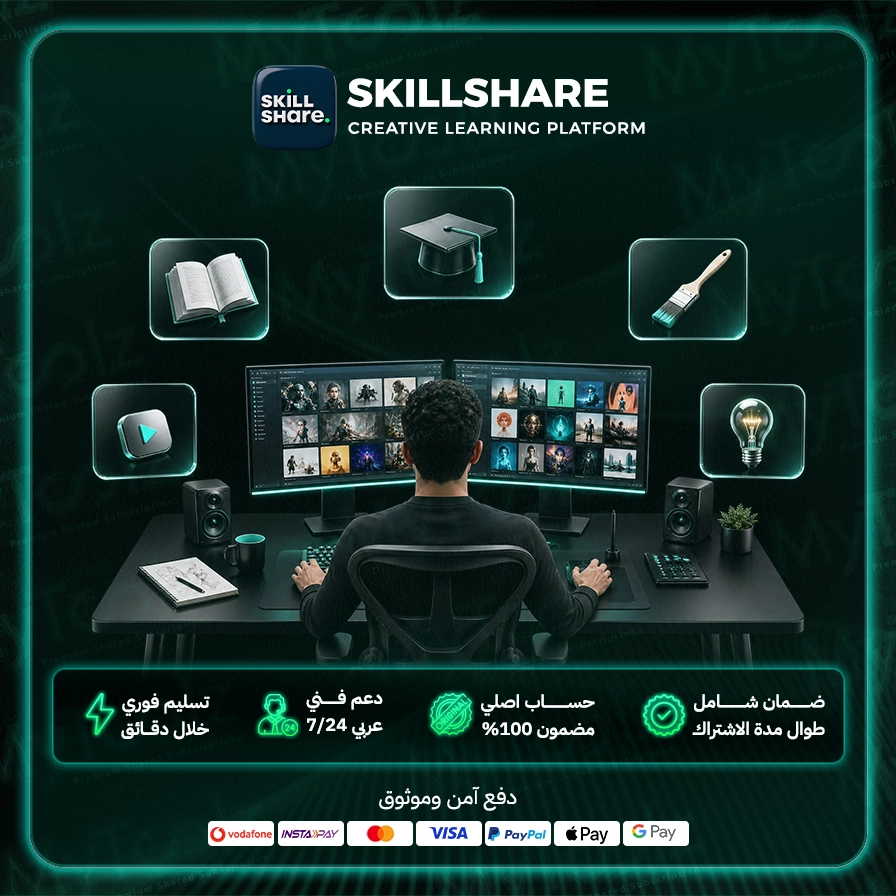
Want to learn digital illustration on an iPad, get good at video editing, or start freelancing as a designer, but can't face long, dry courses? Skillshare is built for exactly that: thousands of short, hands-on classes in creative fields, taught by working practitioners. A Skillshare premium subscription from MyToolz unlocks the full catalog in your desktop browser, with instant activation and a price far below subscribing on your own.
Skillshare isn't a traditional online university. It's a creative learning community where each class is broken into short videos and ends with a project you make and share with other learners. You learn by doing, not by memorizing.
Design fundamentals, typography, logo design, and step-by-step Illustrator, Photoshop and Figma.
Procreate, watercolor, character design and surface pattern design for products.
Phone and camera photography, Lightroom editing, Premiere and DaVinci Resolve editing, and YouTube content creation.
After Effects, logo animation and 2D motion.
Building a portfolio, pricing your services, self-promotion and time management.
UX/UI basics, creative and marketing copywriting, and building a personal brand.
On Udemy you buy courses one at a time; on YouTube you lose hours hunting for structured tutorials between ads. On Skillshare one subscription opens every class, each with a clear path and a project at the end. Classes are short enough to finish in an evening, which makes it easier to stay consistent around a job or studies.
Worth knowing: Skillshare doesn't issue accredited certificates. Its real value is the skill you build and the projects you add to your portfolio.
Access runs through the MyToolz browser extension on your computer:
Desktop is the right setting here, since most creative classes work best with the lesson in one window and your design app in another.
Students adding a skill that opens freelance work, employees pivoting into design or content creation, small business owners who want to design their own posts and shoot their own products, and hobbyists picking up drawing, lettering or photography from experts.
You get cheap Skillshare access with instant activation, Arabic-speaking support and replacement throughout your subscription. It's also part of the MyToolz bundle. Pay securely by credit card, crypto or wallet.
Your next skill is one class away. Order now and start today.
Monthly or yearly to suit your needs. You can upgrade later at no cost.
Card, Apple Pay, STC Pay, or crypto — all with 256-bit encryption.
The details arrive at your dashboard and email directly — no manual waiting.
Log in directly. The account is active and ready for immediate use.
Access thousands of classes in design, illustration, photography, writing, business, and more, to learn new skills or enhance existing ones.
Apply what you learn immediately through practical projects designed to help you build a strong portfolio and grow your creative abilities.
Learn from top creators and professionals in their fields, who share their practical experience and unique insights.
Connect with a global community of learners and creators, share your work, and receive valuable feedback to improve your skills.
Watch classes at your own pace, from any device, anytime, anywhere, allowing you to fit learning into your busy schedule.
Access new content added regularly, ensuring you stay up-to-date with the latest trends and techniques in your creative field.
Be the first to write a review of this tool.
Your own study track: courses, specializations and professional certificates from Google, IBM and leading universities, reachable via the extension or cloud on mobile.

Your notes, tasks and team docs in one Notion space with paid-plan features, opened on your computer with the MyToolz extension.
Your daily language lessons with no ads and no waiting on hearts, plus personalized practice, right in your desktop browser.
A curated course library with completion certificates and practice tests, learned through the extension or the cloud version on any device.