Creator Plan
20$ / month
View plan 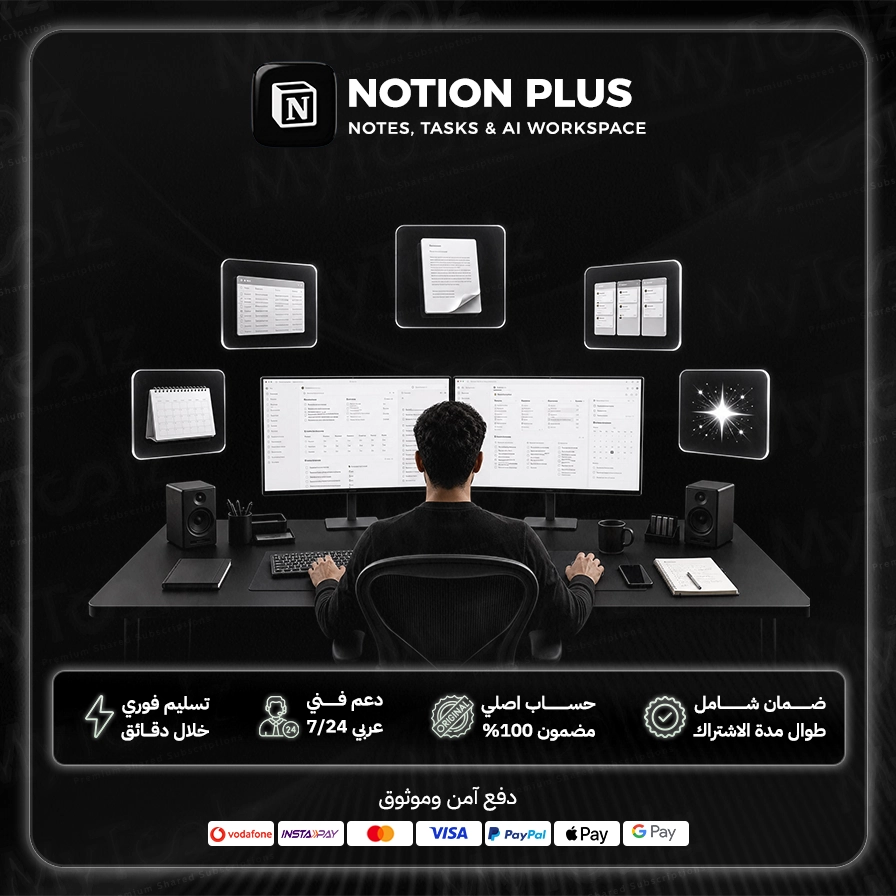
Notes scattered across apps, tasks in a spreadsheet, project docs buried in an old email thread. If that sounds familiar, Notion is the place that pulls it all into one flexible workspace. A Notion Plus premium subscription from MyToolz takes you past the free plan's limits and unlocks what small teams and freelancers actually need, with instant activation and a price far below paying on your own.
Notion is built on blocks: every paragraph, image, table or to-do is a block you can drag, rearrange and transform. From those simple pieces you can build a notebook, a project tracker, a company wiki, or even a simple public website.
The free plan is great for light personal use, but you hit walls quickly once you collaborate or upload big files. Plus removes them:
Kanban boards, timelines and calendars, all views of one database. Every task has an owner, due date and status, filterable by person or priority.
Policies, onboarding guides and SOPs in one searchable place, so new hires stop asking everyone everything.
Students summarize lectures and track exams and assignments; many people build a "second brain" for goals, habits and reading.
Monthly calendars for YouTube and Instagram with ideas, drafts and status in one shared table.
Clients, projects, invoices and notes in one system instead of an expensive CRM.
Notion has built AI features into the workspace, such as summarizing long pages, drafting text and answering questions from your workspace content. How much of that you get is set by Notion's own plan tiers, but even without it, Plus is a powerful organizer that replaces several separate apps.
Access runs through the MyToolz browser extension on your computer:
Notion runs smoothly in the browser, so you get the full experience on desktop without a separate app.
Don't try to build the perfect system on day one: start from a template and adapt it. Type "/" to insert any block, and use database relations to link tasks to projects and clients. Moving from Evernote, Trello or Google Docs? The built-in importer brings your content over in minutes.
You get cheap Notion Plus access with instant activation, Arabic-speaking support and replacement throughout your subscription. It's also in the Designer, Developer and MyToolz bundles. Pay securely by credit card, crypto or wallet.
Get your work and life into one place, and order now.
Monthly or yearly to suit your needs. You can upgrade later at no cost.
Card, Apple Pay, STC Pay, or crypto — all with 256-bit encryption.
The details arrive at your dashboard and email directly — no manual waiting.
Log in directly. The account is active and ready for immediate use.
Build unique workspaces that fit your personal and professional needs, whether for notes, to-do lists, or large project planning.
Create powerful databases for complex information, with advanced filtering and sorting capabilities to track everything systematically.
Share your workspaces with your team or colleagues, and collaborate in real-time on documents and projects to boost productivity.
Get started quickly with a wide range of pre-designed templates for daily tasks, academic planning, or business management.
Easily link Notion Plus with your favorite apps like Google Drive, Slack, and GitHub to create an integrated ecosystem.
Access your content from anywhere, anytime, whether you're using a computer, tablet, or smartphone.
Be the first to write a review of this tool.
Your own study track: courses, specializations and professional certificates from Google, IBM and leading universities, reachable via the extension or cloud on mobile.

Short classes that build your creative skills one project at a time: design, illustration, editing and photography, followed from your desktop browser.
Your daily language lessons with no ads and no waiting on hearts, plus personalized practice, right in your desktop browser.
A curated course library with completion certificates and practice tests, learned through the extension or the cloud version on any device.