Developer Plan
15$ / month
View plan 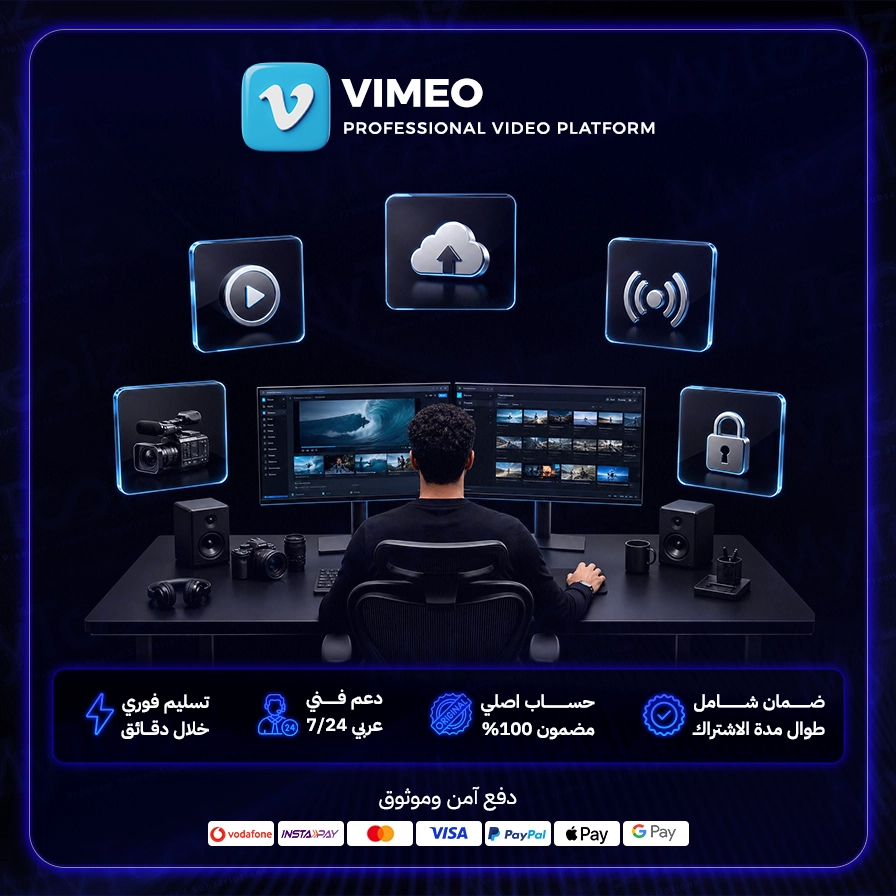
A paid Vimeo subscription is the professional way to present video that fits your brand: a clean, ad-free player with no competitor suggestions at the end, full control over privacy and appearance, and AI tools that cut production time. Through MyToolz you can activate cheap Vimeo premium access and use its paid features right away.
YouTube is great for reach, but it's not ideal for product videos inside your store. Embed a YouTube video on a product page and viewers may see suggested videos at the end, sometimes from competitors, and click away. Vimeo gives you an ad-free player where you control the colors, controls and end screen, so attention stays on your product and the buy button. That's why dropshippers, Shopify sellers, course creators and agencies rely on it.
Upload a short video per product and embed it with a player in your store colors, free of ads or outside suggestions. Clean video builds trust and nudges the sale.
Run a muted, autoplaying background video at the top of your homepage showing products in use, a touch that makes a store feel like a big brand.
Record short setup and usage videos and send the link when customers ask, instead of writing long replies.
Lock paid lessons to your own domain so they only play inside your platform, and track completion to see where students lose interest.
Showcase work in a polished portfolio and send drafts to clients via review links that collect feedback in one place.
Video updates, recorded meetings and presentations, and staff training, all in one private, organized library.
After checkout, sign in at mytoolz.io and install the MyToolz browser extension on Chrome. Open Vimeo from the extension and use its paid features on your desktop. As good practice on any platform, keep the original files of your videos on your own device or storage.
The free version of Vimeo is very limited on storage and video count, and lacks full player customization, most advanced privacy controls, detailed analytics and the AI tools. It's fine for testing, but any serious business needs a paid plan.
Get a Vimeo pro subscription at a price far below subscribing alone, with instant activation, Arabic-speaking support and replacement throughout your subscription, and secure checkout by Visa/Mastercard, crypto or wallet. Vimeo is also included in the Developer bundle and the MyToolz bundle.
Present your products and content the way they deserve. Choose your plan, activate Vimeo and upload your first professional store video today.
Monthly or yearly to suit your needs. You can upgrade later at no cost.
Card, Apple Pay, STC Pay, or crypto — all with 256-bit encryption.
The details arrive at your dashboard and email directly — no manual waiting.
Log in directly. The account is active and ready for immediate use.
Upload and showcase your videos in the highest possible quality, including 4K UHD, for an immersive viewing experience.
Utilize built-in editing tools to trim videos, add music, and apply effects directly within the platform.
Gain detailed insights into your video performance, including views, traffic sources, and audience engagement.
Control who can watch your videos with flexible privacy options and password protection features.
Embed your videos on any website without Vimeo branding or watermarks for complete control over your brand.
Host high-quality live stream events for your audience with advanced interaction tools and real-time analytics.
Be the first to write a review of this tool.
Your personal copywriting assistant: ClosersCopy drafts ads, landing pages and SEO articles using tested persuasion frameworks, right inside your browser extension.

Sai Space: Your gateway to outstanding content and SEO optimization. Unlock your content's full potential with advanced SEO analysis.
A compass for your dropshipping store: AI product discovery plus tracking of competing Shopify stores and their best-performing ads.