Creator Plan
20$ / month
View plan 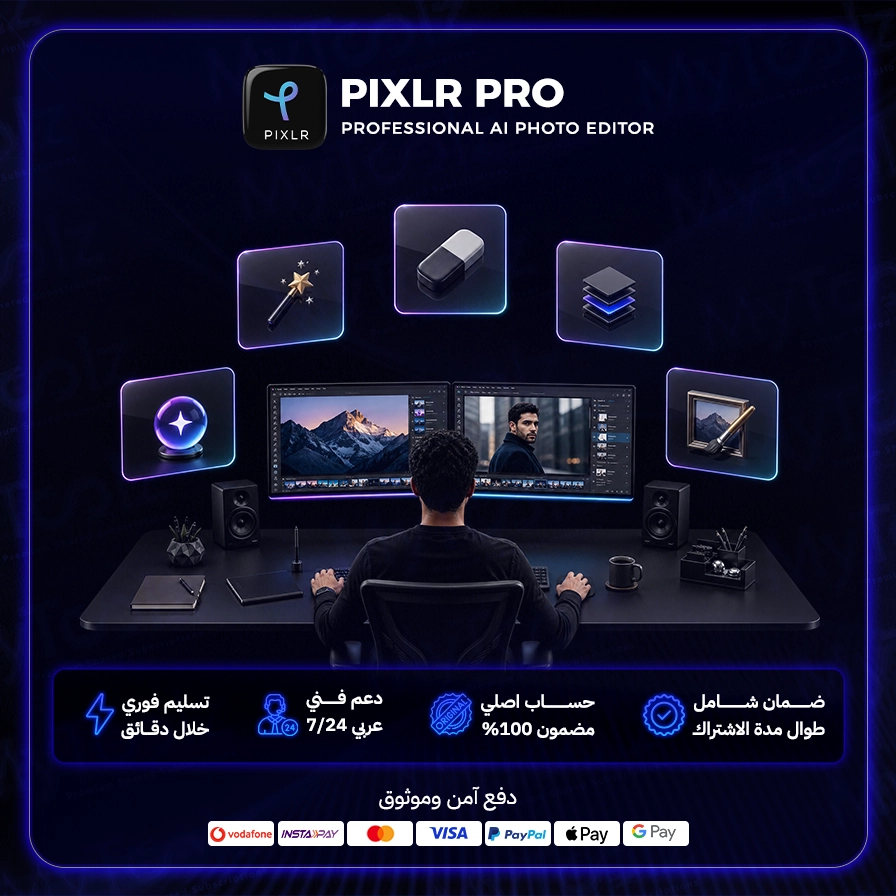
Not everyone who needs to edit a photo has a Photoshop license or a machine that runs it well. A Pixlr Pro subscription gives you a professional photo editor that runs entirely in the browser, with layers, masks, filters and AI tools that do in seconds what used to take hours. Through MyToolz you get cheap Pixlr premium access with instant activation, and two ways to work: the browser extension on your computer or the cloud version from your MyToolz account on any device, phone and tablet included.
Pixlr is one of the best-known online photo editors, developed by Inmagine, the group behind 123RF. It bundles several focused apps, which is why it's often called the closest online Photoshop alternative for pros, while still being friendly to beginners.
Shoot products on your phone, strip backgrounds in bulk to a clean white, and resize for Shopify, Salla, Zid or Amazon in minutes with the batch editor.
Start from a Designer template, swap in your brand colors and copy, and export in the right sizes for Instagram, TikTok and Snapchat.
Adjust light and color, remove blemishes, and use layers and masks for non-destructive edits, or try artistic filters for a signature look.
Need to fix a slide image or knock out a quick internal flyer? Pixlr Express gets it done without learning heavy software.
On a computer, sign in at mytoolz.io, add the MyToolz extension to Chrome, and open Pixlr from it. On a phone or tablet, open the cloud version from your MyToolz account right in the browser, no app needed. Because the editor runs in the browser, you don't need a high-spec machine. Save as PXZ to keep layers editable, and export JPG for photos or PNG for transparent elements.
A pro photo editor with nothing to install. Pick your Pixlr Pro plan above and start creating now.
Monthly or yearly to suit your needs. You can upgrade later at no cost.
Card, Apple Pay, STC Pay, or crypto — all with 256-bit encryption.
The details arrive at your dashboard and email directly — no manual waiting.
Log in directly. The account is active and ready for immediate use.
Enjoy a wide array of professional editing tools, from basic adjustments to complex effects and creative filters.
Work flexibly with editable layers and non-destructive adjustments to preserve your original image quality.
Add your artistic touch with a vast library of unique effects and filters that give your images a special character.
Not limited to photos, Pixlr Pro allows you to create engaging graphic designs and custom illustrations.
As a fully web-based tool, you can access Pixlr Pro and work on your projects from any internet-connected device.
Kickstart your projects quickly with a wide array of pre-designed templates for social media, presentations, and more.
Be the first to write a review of this tool.
Unleash your creativity with the official Shutterstock library from mytoolz, millions of high-quality images, videos, and music at your fingertips.

Animated icons you can recolor to match your style and export as Lottie, GIF or SVG for your websites, apps and slides, through the browser extension.

Unleash Semrush's power for SEO, competitor analysis, content marketing, and more. A comprehensive toolkit for digital business growth.

A personal resource box for designers: curated mockups, fonts, templates, graphics and brushes ready to drop into your projects, via the browser extension.