Developer Plan
15$ / month
View plan 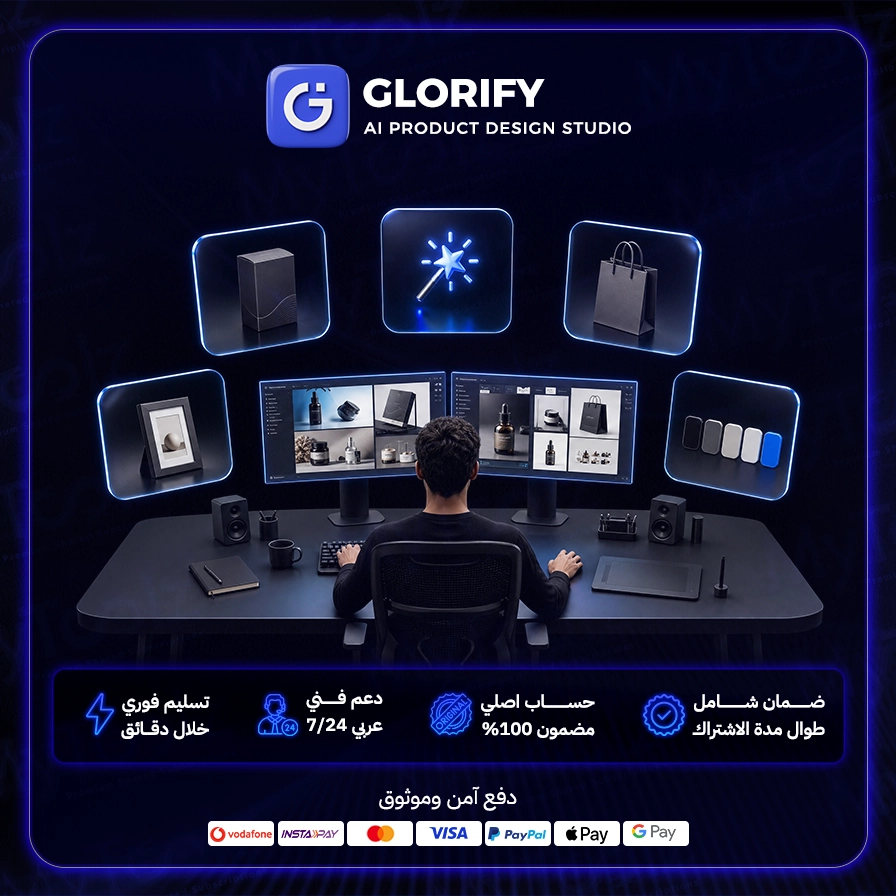
A Glorify pro subscription is the design tool built specifically for online sellers and marketers. Where general tools try to serve everyone, Glorify focuses on one job and does it well: turning product photos into marketing visuals that sell, from ad creatives and social posts to Amazon and Noon listing images and infographics. With MyToolz you can buy cheap Glorify access and activate it instantly, then design yourself what you used to pay a designer for.
Canva is excellent and very general. A store owner usually needs something more specific: a product shot on a clean background with a realistic shadow, a comparison against competitors, feature callouts with tidy icons, and one ad sized for Facebook and another for Instagram Stories. Glorify is built around those needs, with templates inspired by high-performing brand ads and product editing tools that general apps don't make as easy. That's why many look at it as the Canva alternative for e-commerce.
The second and third images on an Amazon, Noon or store product page are what convince buyers. Use infographic templates to show size, features and usage in one clear image.
Spin up several versions of the same ad with different backgrounds and headlines in minutes, then test them to find the best click-through and cost.
Prepare Ramadan, Eid, White Friday and national day designs early while keeping your brand consistent.
Testimonials, FAQs, comparisons and usage tips from ready templates keep your accounts active with little effort.
Start with a clear, well-lit product photo, even a phone shot against a white wall, since background removal works best on clean images. Set up your Brand Kit before your first design. When picking an ad template, focus on one strong headline rather than crowding the layout with text.
After checkout, sign in at mytoolz.io and install the MyToolz browser extension on Chrome. Open Glorify from the extension and design with paid-plan features on your desktop. Save finished designs locally as you go so they're ready to publish anytime.
The free version of Glorify limits templates and tools such as background removal, the Brand Kit and export quality, while a paid plan unlocks them. MyToolz offers a Glorify premium subscription at a price far below subscribing alone, with instant activation, Arabic-speaking support and replacement throughout your subscription, and secure checkout by card, crypto or wallet. It's also included in the MyToolz bundle.
Your product images are your storefront. Choose your plan, activate Glorify and design an ad that sells today.
Monthly or yearly to suit your needs. You can upgrade later at no cost.
Card, Apple Pay, STC Pay, or crypto — all with 256-bit encryption.
The details arrive at your dashboard and email directly — no manual waiting.
Log in directly. The account is active and ready for immediate use.
Create professional and attractive product images in minutes using Glorify's advanced AI tools.
Access a vast library of pre-designed templates suitable for various industries and content types.
Remove complex backgrounds from your product images with a single click for a clean, professional look.
Edit your images directly within Glorify using a comprehensive suite of professional editing tools.
Design optimized visuals for ad campaigns on social media platforms and e-commerce sites to boost engagement.
Leverage Glorify as part of your mytoolz subscription to streamline your design and marketing workflow.
Be the first to write a review of this tool.
We make AI content creation fast, reliable, and FREE. We have comprehensive solutions to connect customers with technology.
AI-powered video, logo, and website maker from Renderforest, transforming your ideas into professional and stunning content with ease and speed.

Discover Google's latest AI innovations with Google Labs. An exclusive experience of revolutionary tools before their public release, boosting your productivity.
Open Storyblocks from your account in any browser and pull 4K clips, music tracks and sound effects into your projects, with nothing to install.