Skip to content
Overview

Detailed description

Notion plus Premium

Ultimate Organization, Limitless Productivity, Seamless Collaboration

With Notion plus Premium from mytoolz, you gain access to an all-in-one workspace that seamlessly integrates note-taking, project management, task organization, and knowledge sharing. This subscription empowers you to streamline your workflows, enhance team collaboration, and transform ideas into tangible results with unparalleled efficiency.

Why choose Notion plus via mytoolz?

  • Instant access to unlimited workspaces and advanced features.
  • Ready-to-use professional templates for diverse needs.
  • Robust tools for effective project management and progress tracking.
  • Flexible customization options to fit your unique requirements.
  • Seamless integration with other applications for enhanced productivity.

How to Receive

Once your purchase is complete, subscription details and activation instructions are delivered via email or through your order page on mytoolz. You'll find all the steps you need to start using the subscription easily, with professional support available whenever you need it.

Best For

Teams looking to centralize their operations, freelancers managing multiple projects, students and researchers organizing their studies and notes, and anyone seeking a comprehensive solution for effective information and task management.

mytoolz — your trusted destination for the most powerful digital tools and premium subscriptions, with professional service and an exceptional user experience.
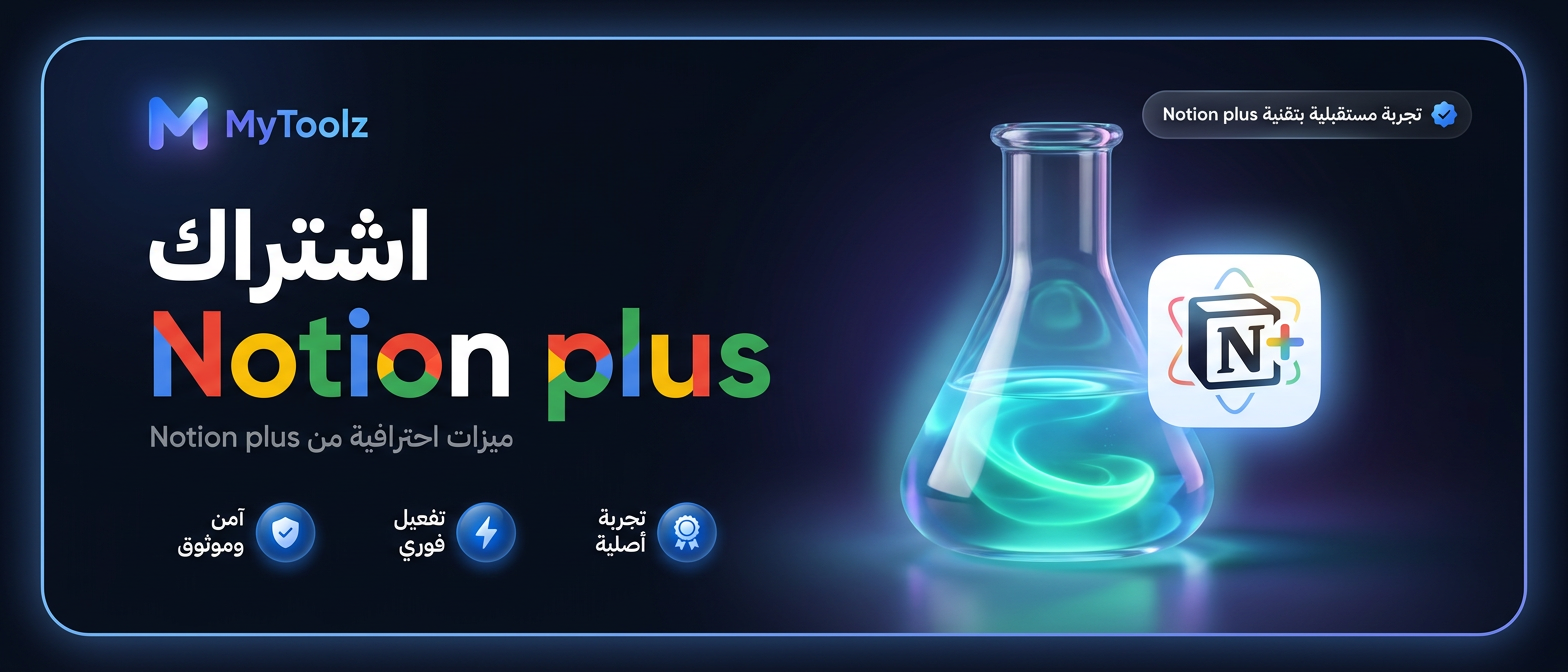
اشتراك Notion plus من MyToolz

How it works

From payment to using it in under 5 minutes.

01

Choose your plan

Monthly or yearly to suit your needs. You can upgrade later at no cost.

02

Pay securely

Card, Apple Pay, STC Pay, or crypto — all with 256-bit encryption.

03

Receive your account details

The details arrive at your dashboard and email directly — no manual waiting.

04

Start using it

Log in directly. The account is active and ready for immediate use.

Features

Everything you get in the plan.

Customizable Workspaces

Build unique workspaces that fit your personal and professional needs, whether for notes, to-do lists, or large project planning.

Flexible Databases

Create powerful databases for complex information, with advanced filtering and sorting capabilities to track everything systematically.

Effective Collaboration Support

Share your workspaces with your team or colleagues, and collaborate in real-time on documents and projects to boost productivity.

Ready-to-Use Templates

Get started quickly with a wide range of pre-designed templates for daily tasks, academic planning, or business management.

Integration with Other Tools

Easily link Notion Plus with your favorite apps like Google Drive, Slack, and GitHub to create an integrated ecosystem.

Multi-Device Access

Access your content from anywhere, anytime, whether you're using a computer, tablet, or smartphone.

Plans that include this tool

Or get it within a larger plan.

Specifications

The complete technical details.

Category
Education & Research, Project Management
Supported Platforms
Web, iOS, Android, Windows, macOS
Key Features
Notes, Databases, Collaboration, Task Management
Integrations
Google Drive, Slack, GitHub, InVision
Optimal Use
Students, Small Teams, Freelancers, Researchers
Provided by mytoolz
Enjoy premium access to Notion Plus through mytoolz shared subscriptions at a lower cost.
User reviews

No reviews yet.

Be the first to write a review of this tool.

FAQ

Answers to your most important questions.

  • What is the difference between Notion Plus and the free version?

    Notion Plus offers larger storage, enhanced sharing capabilities, and access to advanced features like unlimited revision history and more guests.
  • How will I receive my Notion plus subscription after purchase?

    After completing payment, your Notion plus subscription details or activation instructions will be sent to your email or via your order page in your mytoolz account within the stated activation period.
  • Can I connect Notion Plus to my existing account?

    Yes, you can easily link your new mytoolz subscription to your existing Notion account to leverage additional features without losing any of your data.
  • Can I activate the Notion plus subscription on my personal account?

    It depends on the type of Notion plus service. The product page clarifies whether activation is done on your existing Notion plus account or through a new account provided by mytoolz.
  • Is Notion Plus suitable for managing large projects?

    Absolutely, with flexible databases, collaboration features, and advanced task tracking, Notion Plus is a powerful tool for managing projects of any size.
  • How long does Notion plus order activation take?

    Your Notion plus subscription order is processed within the timeframe specified on the product page, with activation either instant or within the stated period depending on the subscription type.
  • How does Notion Plus help me with learning and research?

    You can organize research notes, create reference databases, track your study progress, and share research with colleagues, all in one place.
  • What should I do if I face an issue activating Notion plus?

    The mytoolz support team provides specialized technical assistance for Notion plus to answer any inquiry or resolve any activation issue, ensuring a smooth and fast experience.
  • Does the Notion plus subscription include a warranty?

    Yes, the Notion plus subscription includes a warranty according to the terms and duration shown on the product page at mytoolz, guaranteeing service quality and customer comfort throughout the subscription.
  • Can I get a refund for my Notion plus subscription after purchase?

    Due to the digital nature of Notion plus, the order cannot be refunded or exchanged after subscription details are delivered or activation begins, except in cases covered by the mytoolz warranty.
Completes your experience

Similar tools